
How to Know If Your Account is Hacked
Trainova Publications
It doesn’t start with a dramatic hack or a warning alert. Most people don’t even realize anything is wrong… until it’s too late.
Your WhatsApp account might feel like a private space just chats with friends, family, maybe a few work conversations. But behind the scenes, it can be incredibly valuable to cybercriminals. A single stolen account can be used to spread scams, impersonate you, and pull others into carefully planned fraud schemes.
And the unsettling part? Hackers don’t break in loudly. They slip in quietly, blend in, and sometimes stay unnoticed while using your account as their own.
So how do you know if someone else is already inside?
Here are eight subtle but serious signs your account may have been compromised.
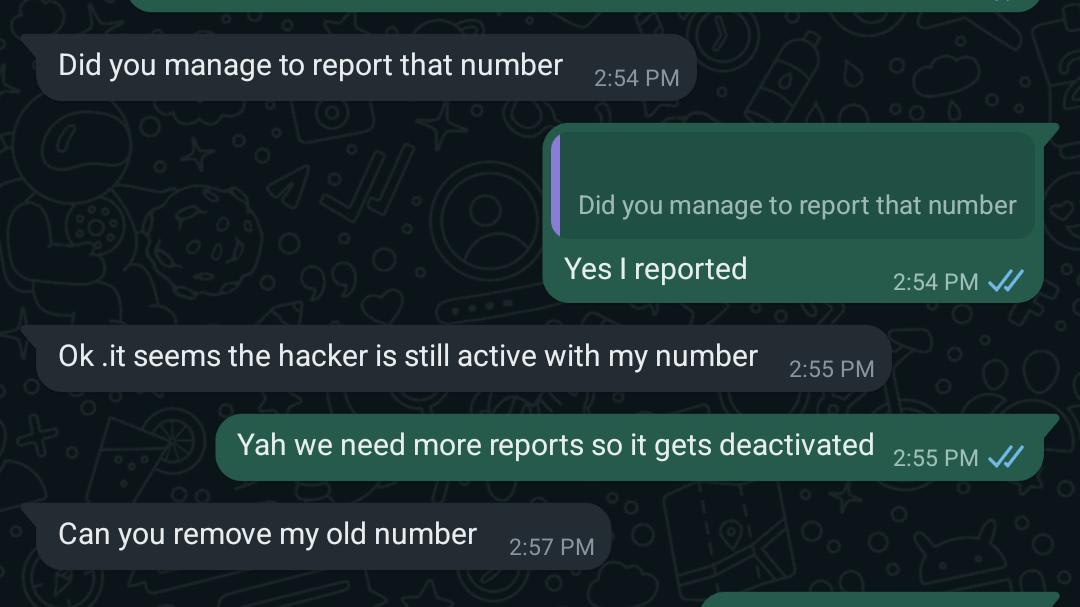
1. You get replies to messages you never sent.
2. Friends complain about strange messages coming from your account.
3. You notice deleted messages in chats, including from yourself even though you never sent or deleted anything there.
4. You receive a WhatsApp login verification code that you didn’t request or expect.
5. Your account has a status or has posted stories you didn’t create.
6. Your profile picture, name, or account description has changed unexpectedly.
7. You’ve been added to chats or groups you never joined.
8. When you try to log in, WhatsApp informs you that your account is in use on another device and prompts you to re-register (this is the most telling sign).
Pay special attention to the first three signs, and act immediately if you notice them hackers often use compromised accounts to scam a victim’s friends and family. They might impersonate you to request urgent financial help, promise gifts, or invite people to participate in fake polls. In any of these cases, your friends could get scammed with your unwitting help.
Two ways hackers can hijack your WhatsApp account
Cybercriminals can take control of your WhatsApp account in one of two ways. They either add another device to your account using the “Linked devices” feature, or re-register your account on their device as if you’d bought a new phone.
In the former case, you continue using WhatsApp as usual but the criminals also have access to it, including to your recent conversations.
In the second case, you lose access to your account, and when you try to log in, WhatsApp notifies you that your account is in use on another device. The attackers can control your account, but won’t have access to your past conversations.
What to do if your WhatsApp account has been hacked
1 Make sure the SIM card linked to your WhatsApp account is inserted in your smartphone.
2 Open WhatsApp on this smartphone.
If it opens normally:
3 Go to the WhatsApp settings — Settings on iPhone, or the additional menu (three dots) on Android. Tap Linked devices.
4. Tap each device listed on this page.
5. Tap Log Out. This will disconnect all additional devices from your account and cut off the attackers.
6. If the messenger tells you that you’re logged out and need to register:
7. Enter your phone number.
8. Request a one-time registration code.
9. Wait for an SMS or a voice call with the code.
Enter the received code.
Once you’ve completed these steps, the attackers will be disconnected from your account. However, they may attempt to hijack it again, so be sure to follow the security tips below.
Share this article